What it is
VoiceMark is a note-taker that remembers when you typed each word. While it records a lecture, meeting or interview, every keystroke gets a timestamp. Later, your notes become an index into the audio: click a line and the recording jumps to the moment you wrote it. It began as our take on an old Mac app that did the same thing, rebuilt for the web.
Try it
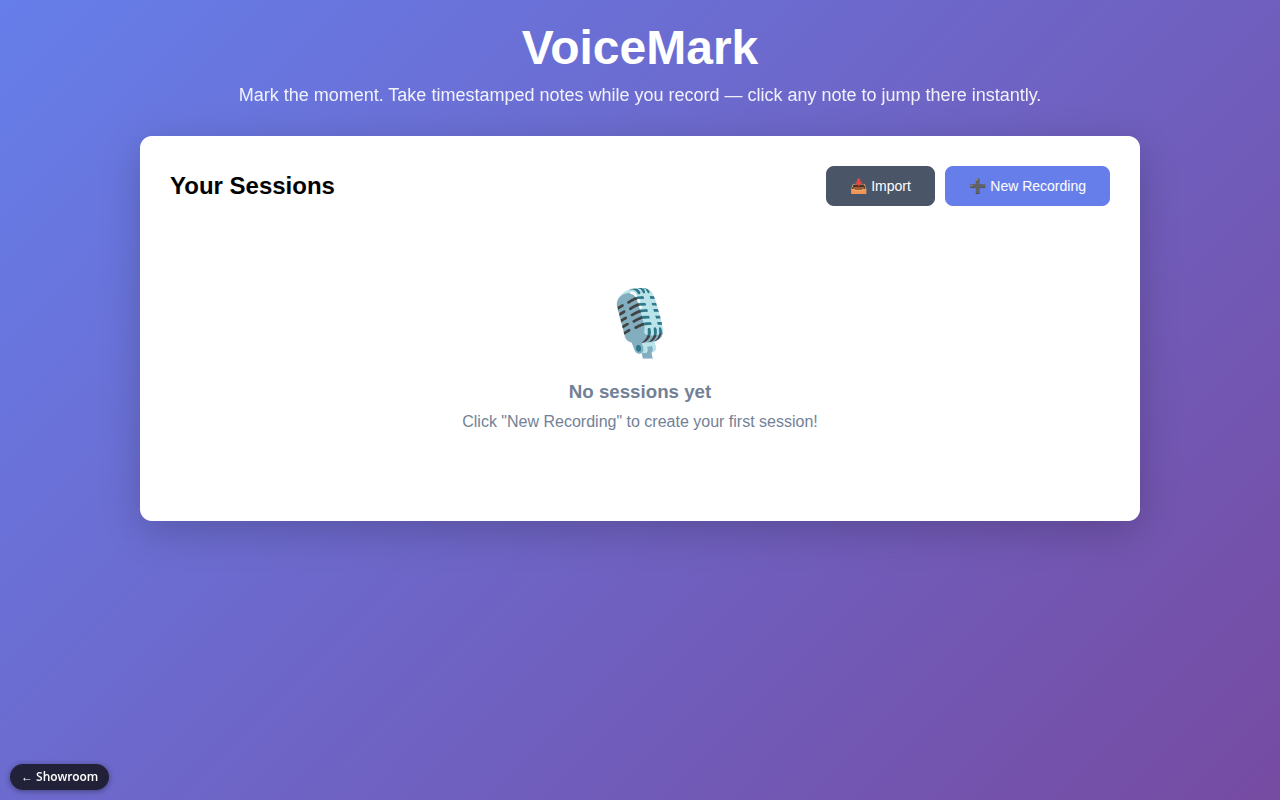
The demo is the full app, not a recording, and it starts empty: there is no sample session, so you make your own. Press New Recording and allow the microphone. Talk for twenty seconds while typing a few short notes, then press Stop & Save. Open the session, click any word you typed, and the audio jumps to the moment you typed it. Drag the timeline and watch your notes appear and vanish as they were written. Space plays and pauses; the arrow keys skip. You need a microphone, and desktop Chrome or Firefox is smoothest; Safari and iPhone recording are less tested. Nothing you record leaves your device.
How it works
- Start a recording and type notes as you listen or talk.
- Stop. The session (audio plus every timed keystroke) saves in your browser.
- Open the session from the list to play it back.
- Click words to seek, scrub to "time travel" through your typing, or change speed.
- Switch to Edit mode to fix notes after the fact.
- Export the whole session as one file, or import one from another device.
What exists today
- Audio recording with timestamped notes, click-to-seek and scrubbing
- Playback speed control and keyboard shortcuts
- Post-recording editing in a separate Edit mode
- Saved session list with delete
- One-file export and import
- Installable as a phone app, works offline, phone-friendly layout
- A strict security setting that blocks all network calls from the page
What isn't there yet
- No transcription; a speech-to-text backend exists but is parked for a later version
- No search across sessions
- No sync between devices other than exporting and importing a file
- Safari and iOS recording have had less real-world testing
Under the hood
- Plain JavaScript, no framework, no build step
- The browser's MediaRecorder captures audio; IndexedDB stores sessions locally
- Notes are stored as an event log, so the app can rebuild what the page looked like at any second
- A service worker caches the app so it opens without a connection