What it is
snapCheck is a tiny phone web app for whiteboards. You snap a photo, mark it up with your finger or a stylus, and save it to a grid of boards you can reopen and keep annotating. Everything stays on the device. There is no account, no upload and no server.
Try it
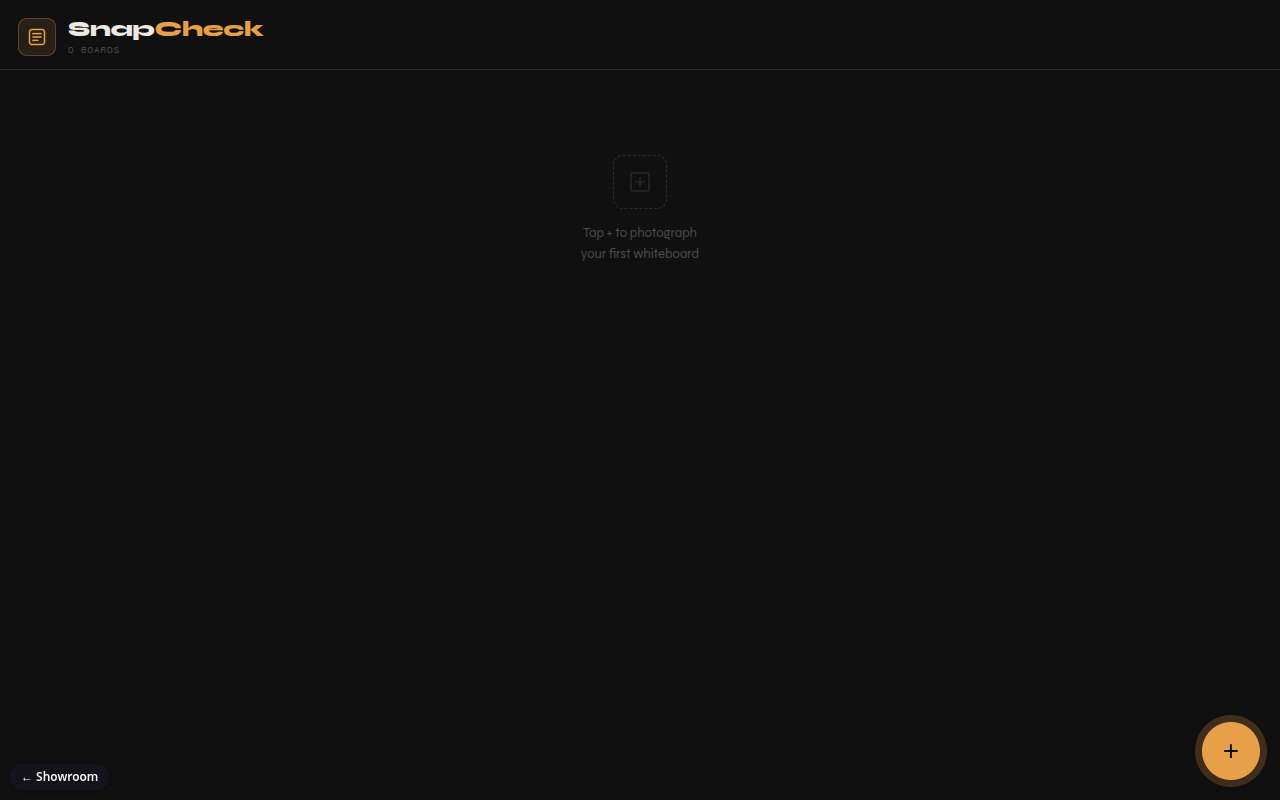
The demo is the full app, and it starts empty. On a phone, tap the plus button and take a photo of anything with writing on it (or pick one from your photos). Draw on it: switch between the three pen colors and three sizes, use the eraser, undo, and pinch to zoom. Save, and the board lands in the gallery with a thumbnail. Tap it to keep annotating; the small × on a board deletes it. On a desktop the plus button opens a file picker instead of the camera. Every board you make is real and lives only in your browser.
How it works
- Open the page and see your saved boards as a grid with dates.
- Tap plus to take a photo or choose one.
- The photo opens full screen; draw on it with pens, colors and an eraser.
- Save. The board appears in the gallery and can be reopened later.
What exists today
- Home grid of boards with thumbnails and dates; a small × button deletes a board
- Camera capture or photo picker, with large photos shrunk to 2048 px
- Drawing with pens, colors, sizes, an eraser and 25 steps of undo
- Storage on the device that works offline once the page has loaded
- The whole app in one HTML file
What isn't there yet
- It can't be installed to the home screen yet (no app manifest or offline worker)
- No export or share of an annotated board
- No sync between devices; boards live in one browser only
- It hasn't been through a formal device test pass
Under the hood
- One self-contained HTML file with inline CSS and JavaScript, no build step and no dependencies
- HTML5 canvas with pointer events for drawing
- IndexedDB (the browser's built-in database) for boards and thumbnails
- The only outside call is for web fonts