What it is
FeedbackMonster reads a spreadsheet of comments, survey answers or complaints and sorts them into themes. Unlike a plain word cloud, it explains why each group exists, lets one comment belong to several themes, ranks themes by priority, and flags copy-paste campaigns. The output is one HTML file you can open anywhere, styled as a dark "galaxy" of theme clusters.
Try it
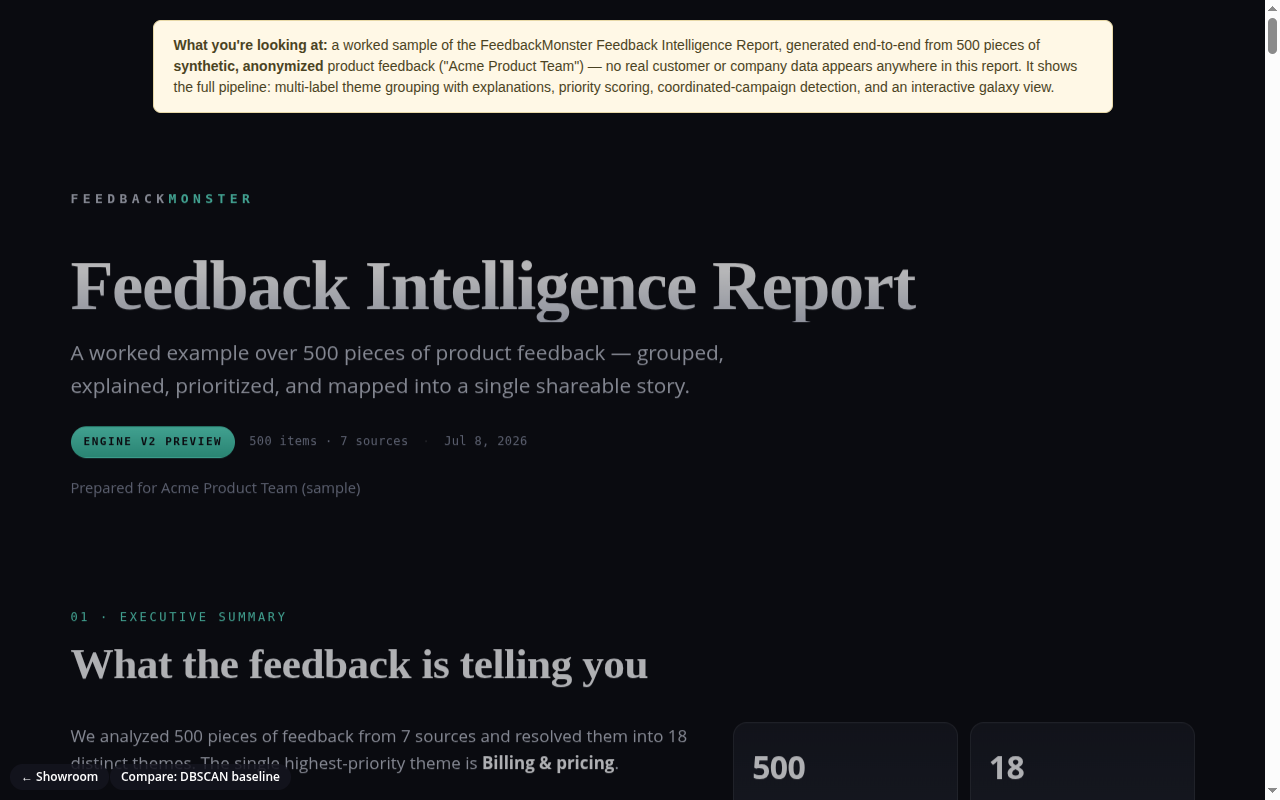
You are looking at one finished sample report, not the engine running live, and there is no upload. The 500 comments are synthetic, written for a made-up "Acme" product team. Scroll past the summary to the galaxy view: each gravity well is a theme, each dot a comment. Click a well to open that theme's explanation and comments. Below it are the prioritized theme cards, the sentiment panel and the campaign detection. The "Compare: DBSCAN baseline" button opens the same 500 comments grouped by our older, simpler clustering method, which makes a good side-by-side. Works best on a desktop screen.
How it works
- Export feedback to a CSV or Excel file.
- Run one command on the file. It detects which column holds the text and cleans it.
- It estimates the AI cost and stops if it is over the limit you set.
- An AI agent builds a set of themes, assigns each comment, and writes its reasoning.
- Duplicates and form-letter campaigns are found and marked.
- It writes a single HTML report with the galaxy view, priorities and sentiment.
What exists today
- The command-line importer with column detection, cleaning and a cost guard
- Two grouping engines: the AI one and an older clustering one, switchable
- The self-contained report generator (works offline, no outside links)
- Duplicate and campaign detection
- A scoring harness with labeled test sets, including real public consumer complaints, and saved results
- A replay mode that rebuilds reports from cached AI calls, no key needed
- Earlier pieces, now set aside: a multi-user web backend, a dashboard and an embeddable widget
What isn't there yet
- No "upload your own file" web page; running it needs our command line and an AI key
- The web dashboard and accounts are not maintained
- The project folder is cluttered with past experiments and needs a cleanup before anyone else works in it
Under the hood
- Python, with the AI calls behind one provider switch (Anthropic or OpenRouter) and a cache
- The report is plain generated HTML and CSS, no database or libraries needed to view it
- The old engine uses sentence embeddings and density clustering
- The test harness scores grouping and duplicate detection against hand-labeled answers